

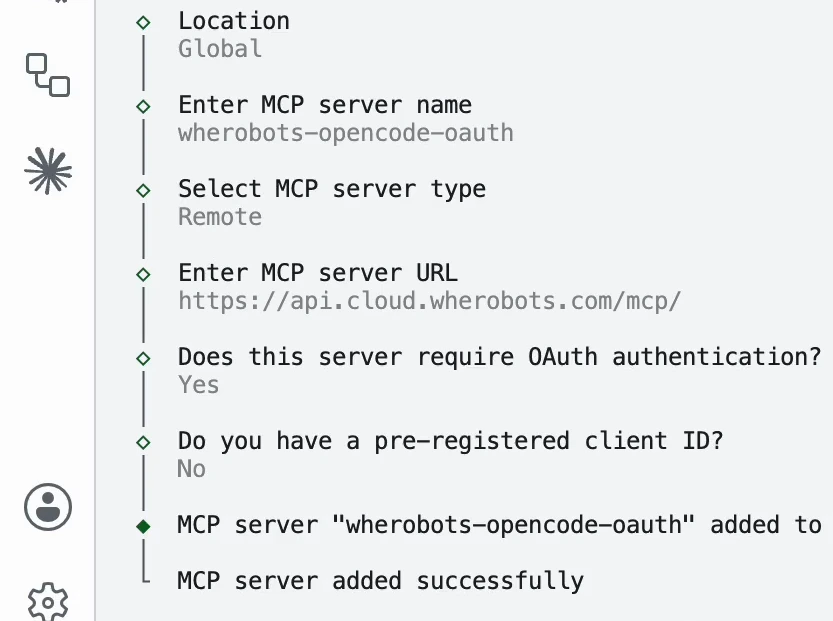
https://api.cloud.wherobots.com/mcp/, and signs in with OAuth. The MCP Server lets your assistant explore your catalogs, search the Wherobots documentation, run read-only Spatial SQL queries, and read workload and Spark execution details. Only the place where you add the server differs between assistants.
Terminal agents (Claude Code, Codex, and OpenCode) can also use Agent Skills and the Wherobots CLI. Claude and ChatGPT run in a chat app, so their setup covers the MCP Server only.
For what each Wherobots component does, see What each component does. To use Wherobots in VS Code or another Code OSS editor instead, see Set Up Wherobots in Your Editor.
Before you start
You need:- A Wherobots Account. See Create a Wherobots Account.
- A browser to sign in to Wherobots with OAuth. For CI, scripts, or other environments where browser sign-in isn’t possible, terminal agents can use a Wherobots API key instead.
- Your AI assistant:
For the terminal agents, you also need Node.js with npm to install Agent Skills with
npx.
Connect the MCP Server
Choose your assistant.- Claude Code
- Codex
- OpenCode
- Claude (desktop and web)
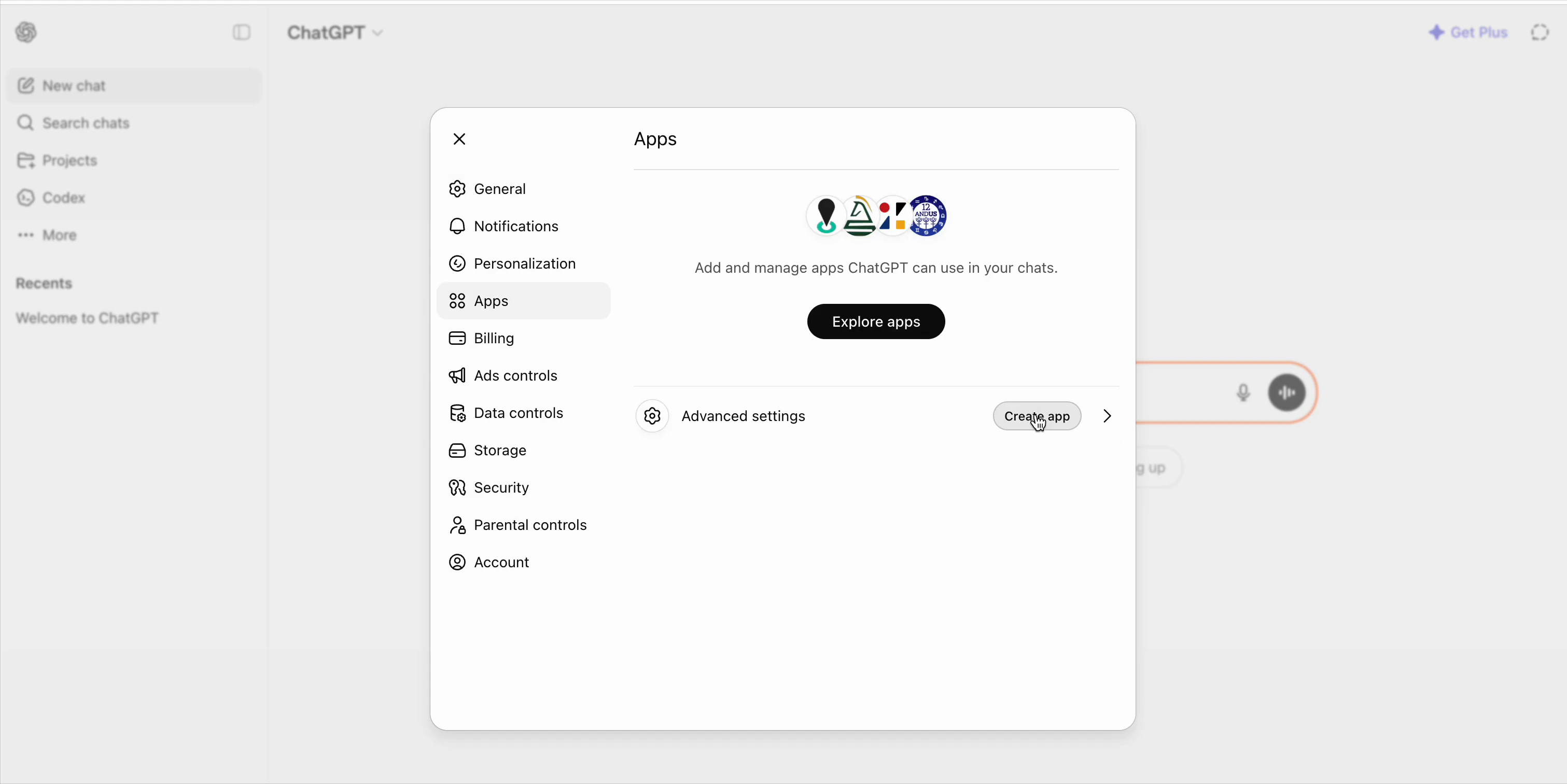
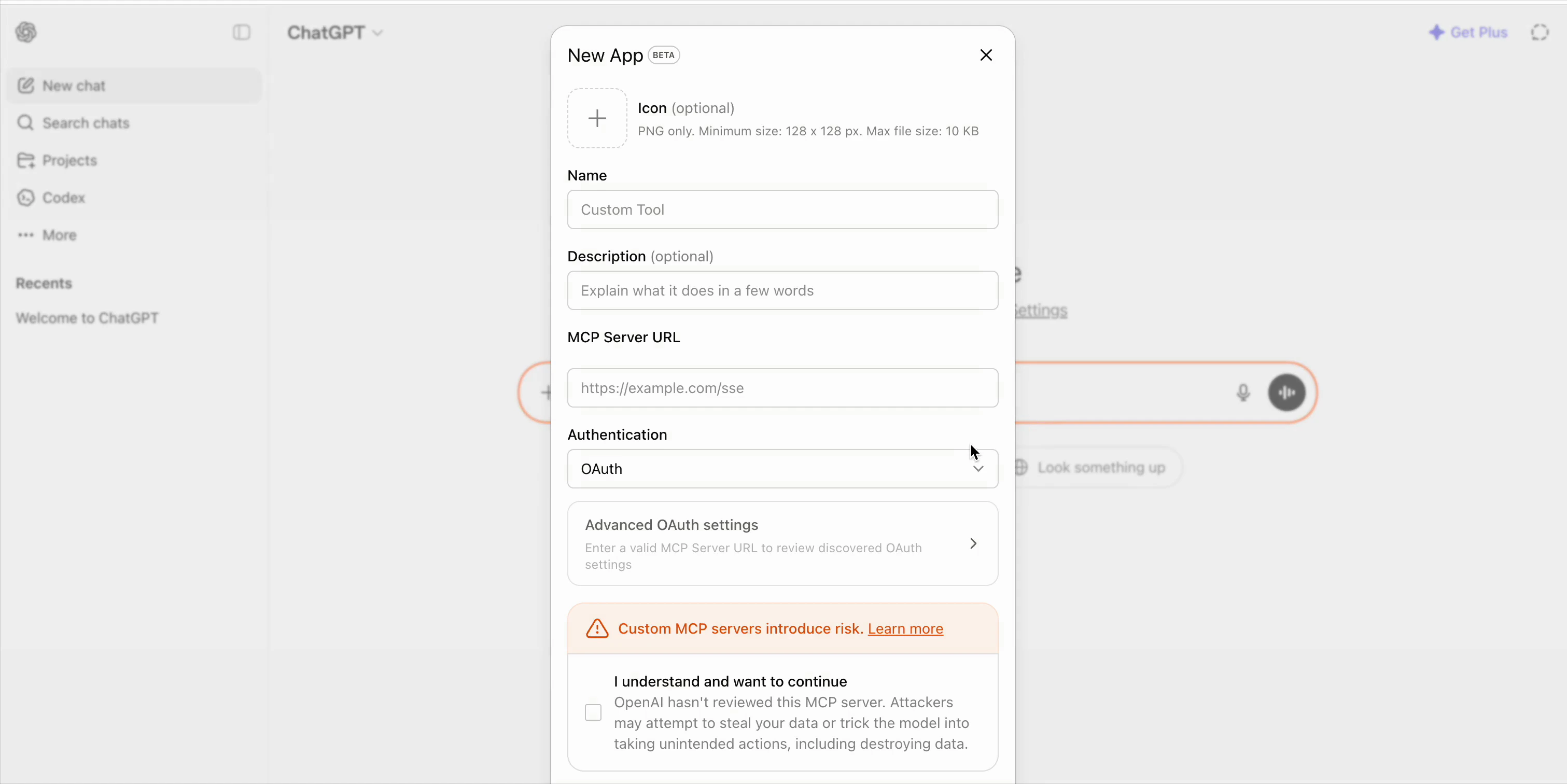
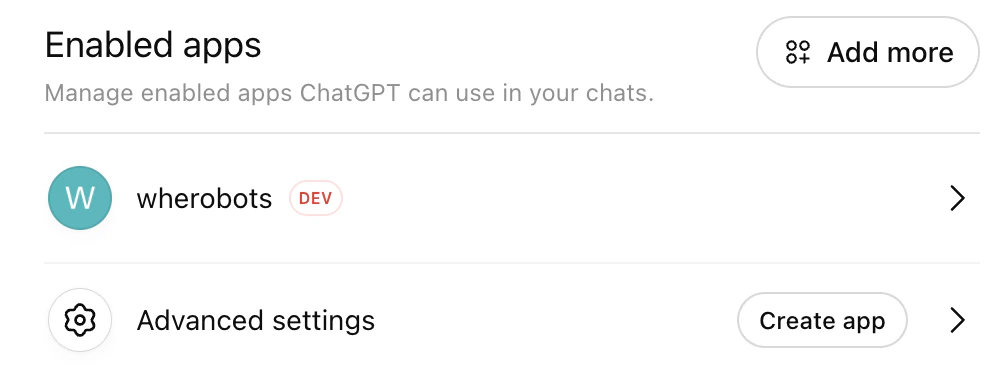
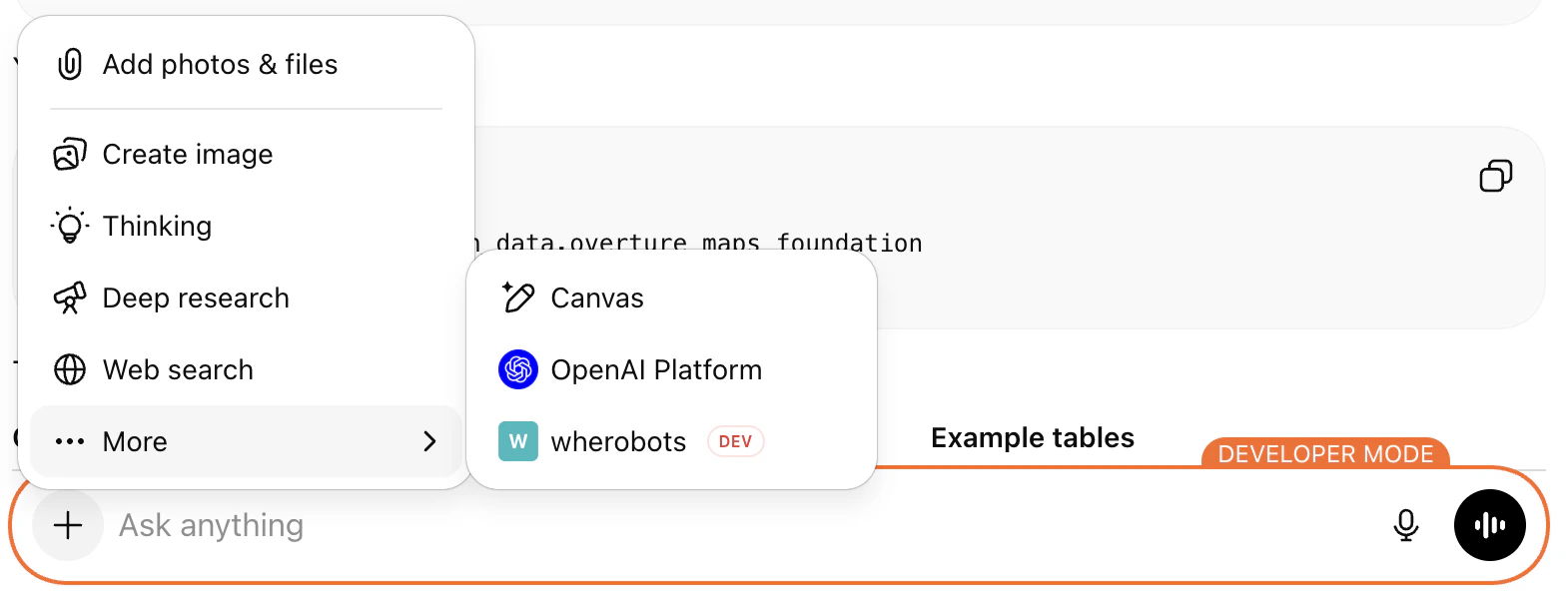
- ChatGPT
Claude Code is Anthropic’s terminal-based agentic tool.
1
Add the MCP server
In a terminal, run the following command, replacing the placeholder with your preferred server name:The
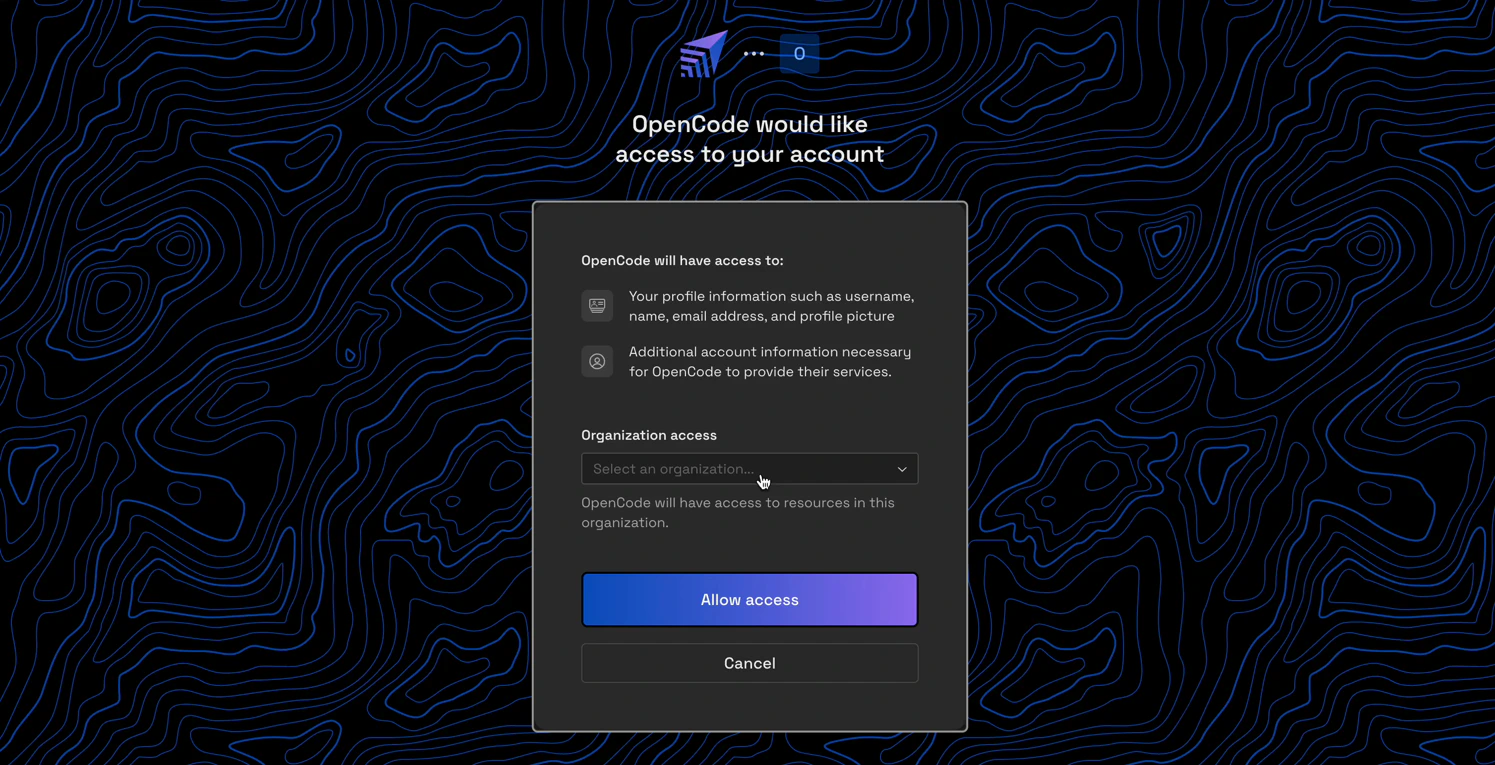
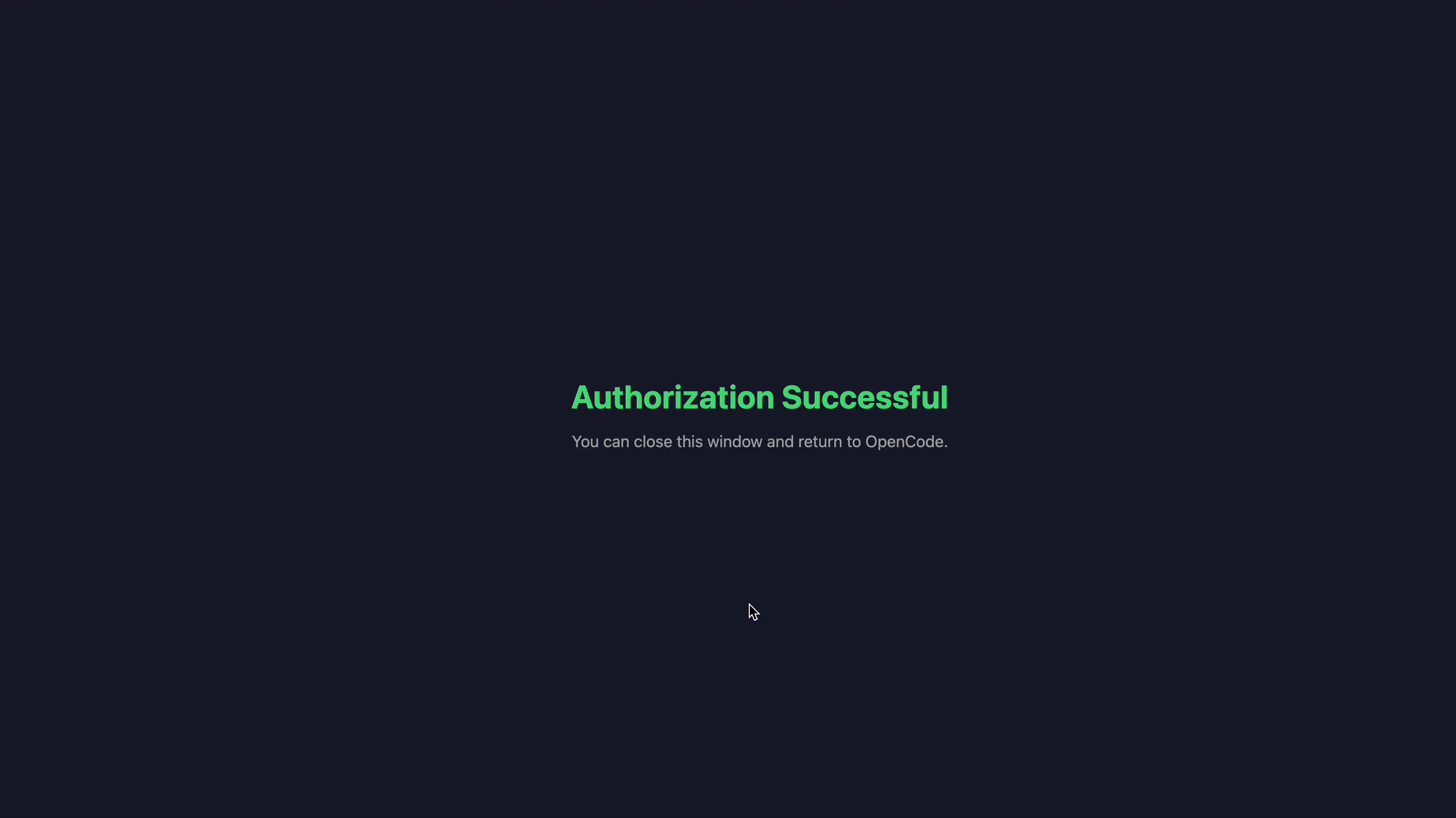
--scope user flag makes the server available to all your Claude Code agents. For more information on scope options, see the Claude Code documentation.Claude Code signs in to the MCP server with OAuth. When you first use the MCP server, a browser window opens for you to sign in to Wherobots and select your organization.Alternative: Use an API key instead of OAuth
Alternative: Use an API key instead of OAuth
Add the server with an
x-api-key header that contains your Wherobots API key:2
Restart Claude Code
Restart Claude Code after adding the server. Then add Agent Skills and the CLI.For more information on installing and using Claude Code, see the Claude Code overview and Quickstart.
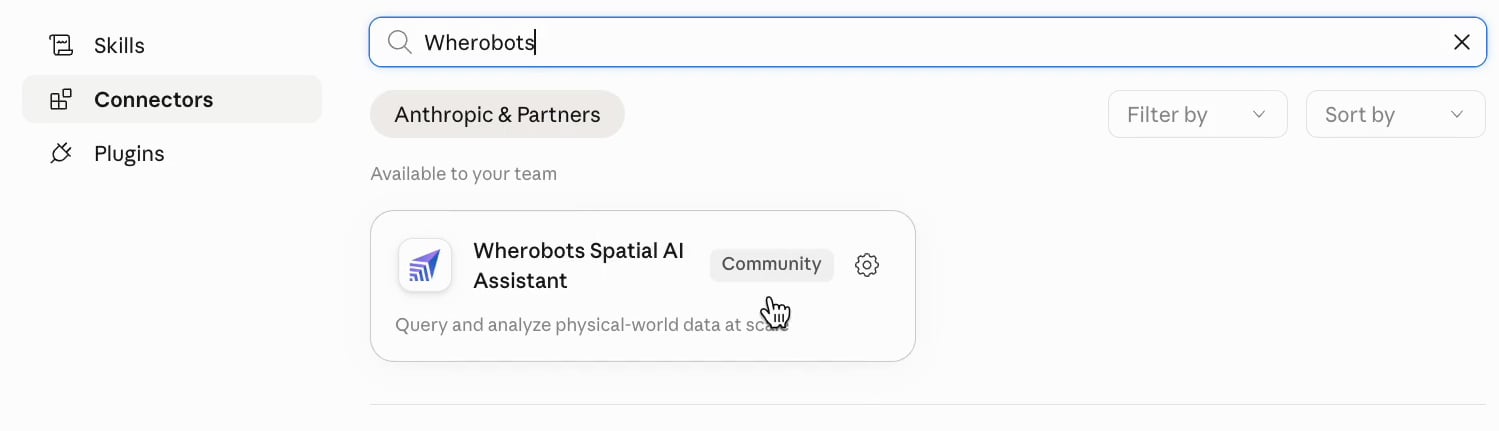
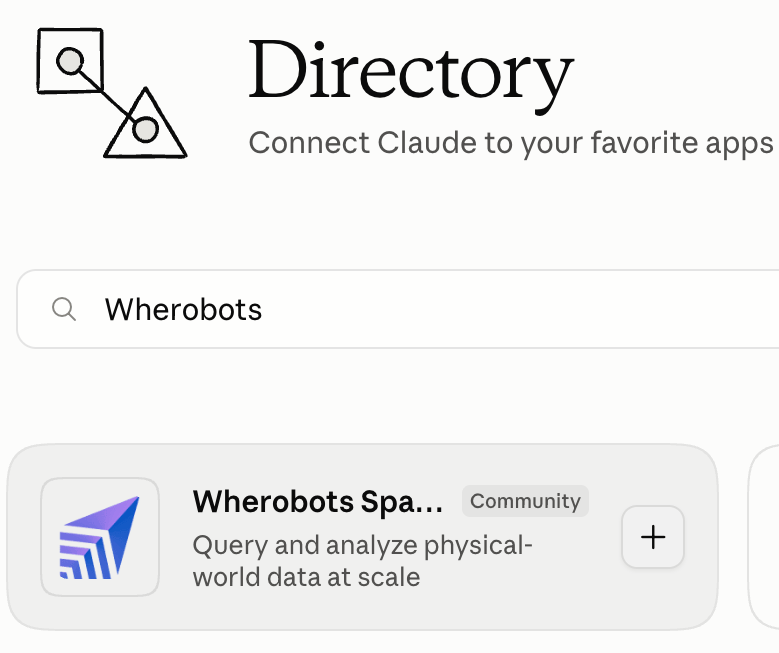
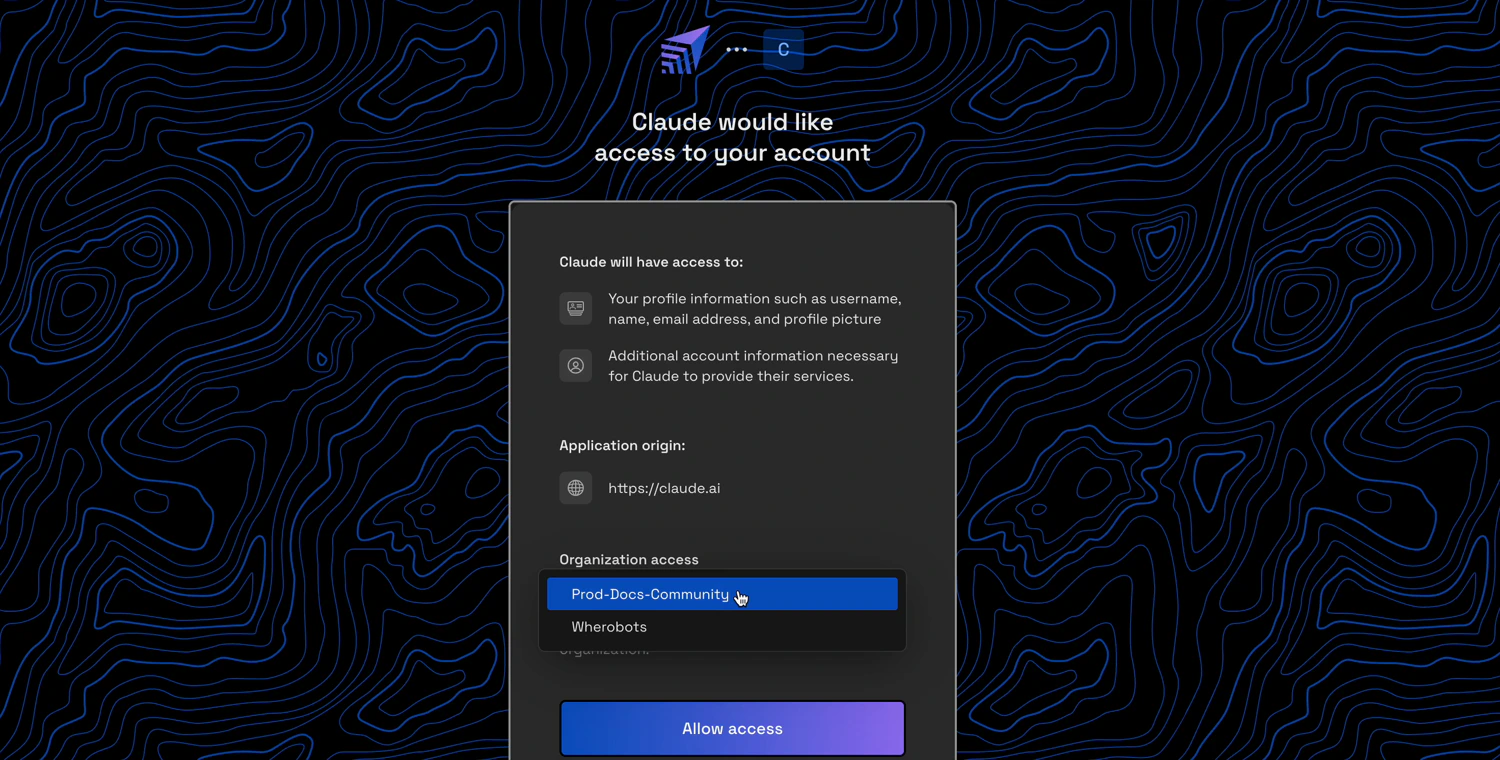
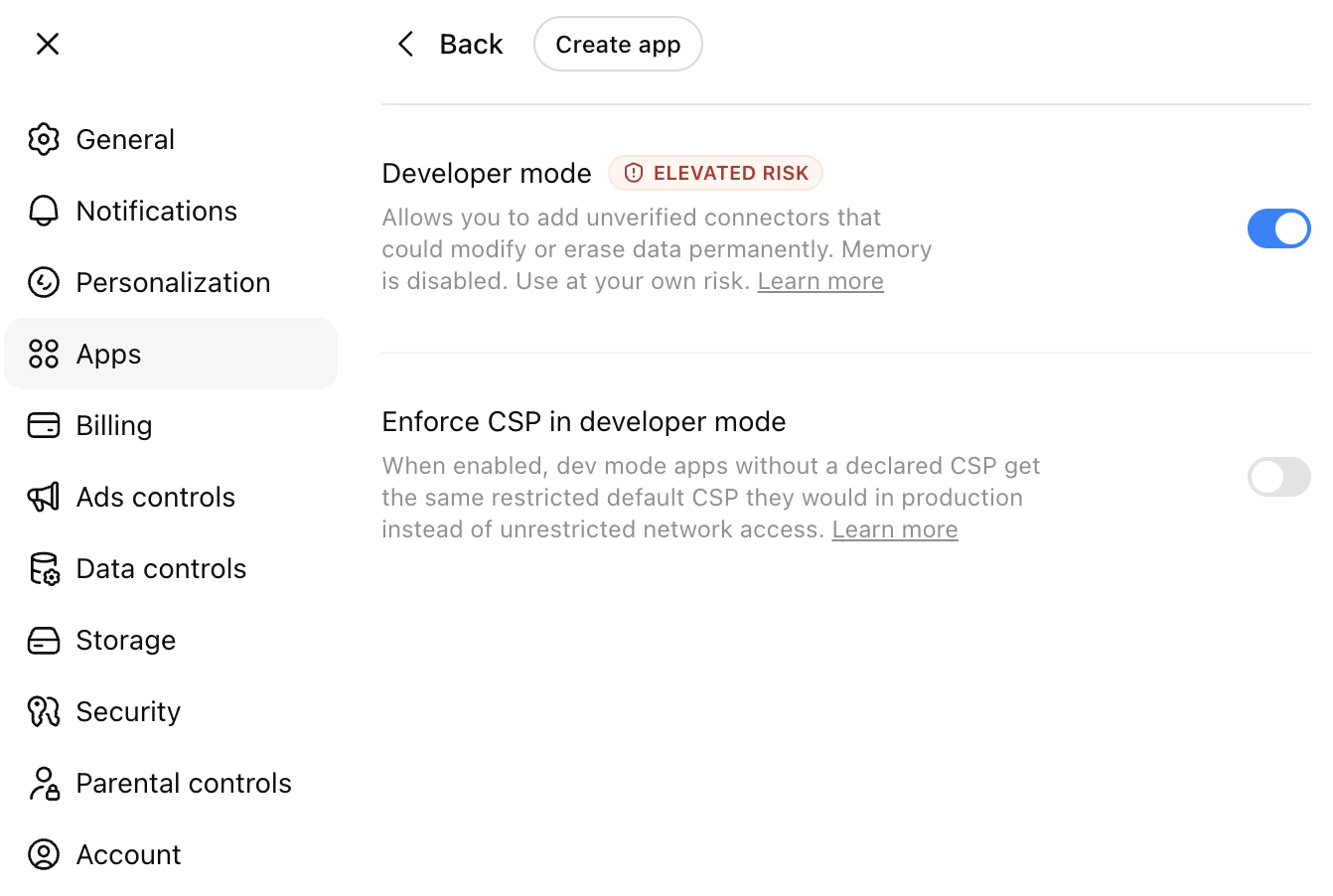
Add Agent Skills and the CLI
For Claude Code, Codex, and OpenCode. Claude and ChatGPT run in a chat app, so skip this section for them.1
Install Agent Skills
Agent Skills give your AI assistant structured context about Wherobots workflows, APIs, and best practices.
2
Install the CLI (optional)
The Wherobots CLI wraps the full Wherobots API into a single binary for job submission, log streaming, and automation.
-
Run the following command to install the CLI:
-
Sign in with your browser (OAuth):
Confirm that the code in the browser matches the one printed in the terminal, select your Organization, and authorize the CLI.
-
Verify the connection:
Verify your setup
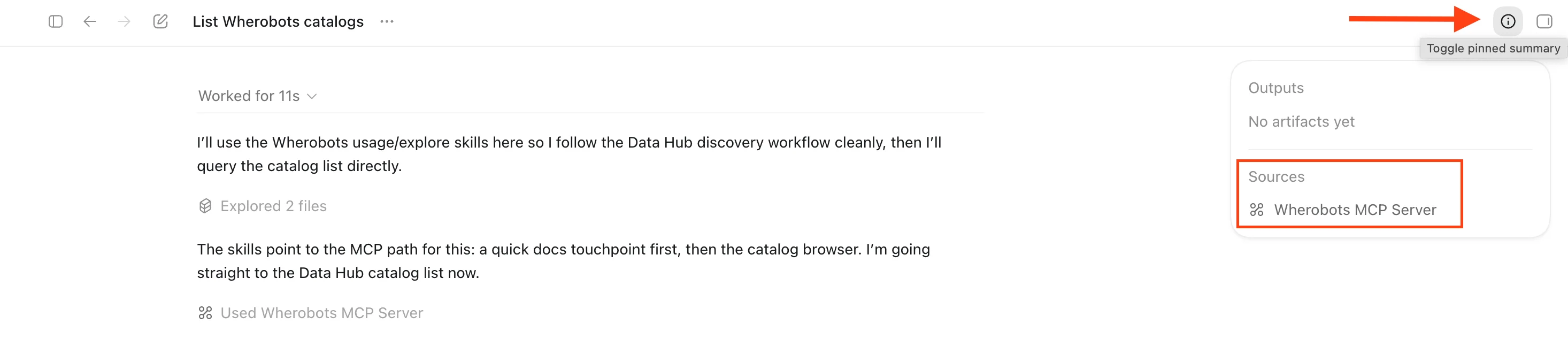
Ask your assistant a test question:list_catalogs_tool and returns the catalogs available in your Organization.
Troubleshooting
Claude: The Wherobots connector does not appear in the Directory
Claude: The Wherobots connector does not appear in the Directory
On Team and Enterprise plans, connectors must be enabled at the organization level before individual users can add them. If you search the Directory and Wherobots does not appear, or the option to add it is unavailable, ask your team’s Owner or Primary Owner to enable connectors for the organization.Once connectors are enabled at the organization level, each user still completes the Claude steps and authenticates individually. See Use Connectors to extend Claude’s capabilities for details on connector permissions.
Claude: Sign-in or OAuth fails
Claude: Sign-in or OAuth fails
If the consent screen does not complete or Claude reports it cannot connect:
- Confirm you have a stable internet connection and an active Wherobots Account.
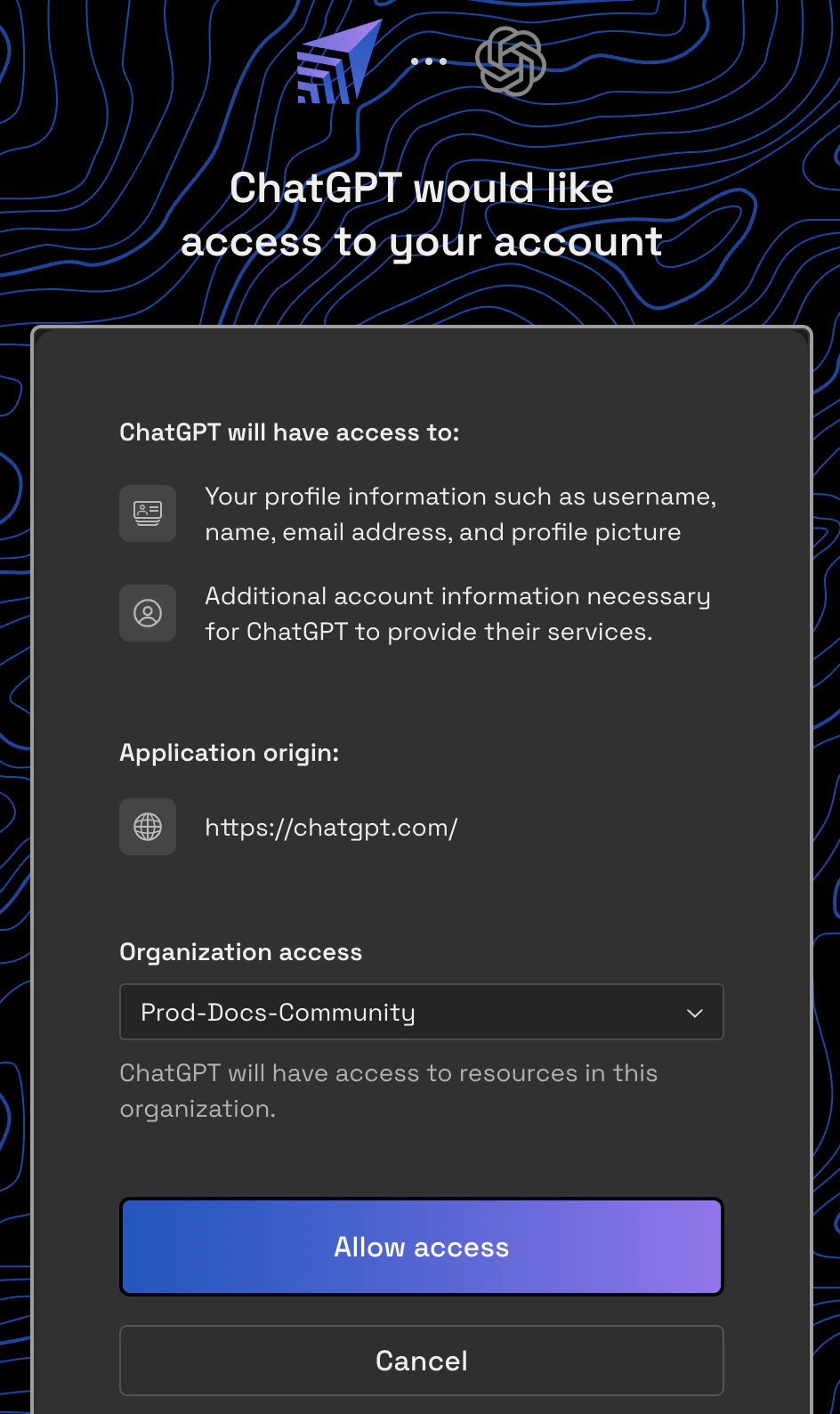
- Make sure you selected the correct Organization from the Organization access dropdown before clicking Allow access.
- On the Claude Connectors page, disconnect the Wherobots connector and reconnect to restart the OAuth flow.
Claude: Claude does not call the Wherobots MCP server
Claude: Claude does not call the Wherobots MCP server
If Claude answers without invoking a Wherobots tool (such as
list_catalogs_tool):- Confirm the Wherobots connector is enabled on the Connectors page and toggled on for the conversation.
- Start a new conversation and ask an explicitly geospatial question so Claude selects the connector, such as the test question above.
Next steps
MCP Server Best Practices
Common tasks, example prompts, and cost considerations for the MCP Server.
MCP Server Demo Videos
Watch the MCP Server automate catalog discovery, spatial queries, and notebook generation.
Agent Skills
Learn more about available skills and installation options.
Agentic Terminal Usage
Use the CLI from a terminal agent for natural language job management.
CLI Reference
Submit jobs, stream logs, and access the full Wherobots API.
MCP Server vs CLI
Understand when to use the MCP Server vs. the CLI.