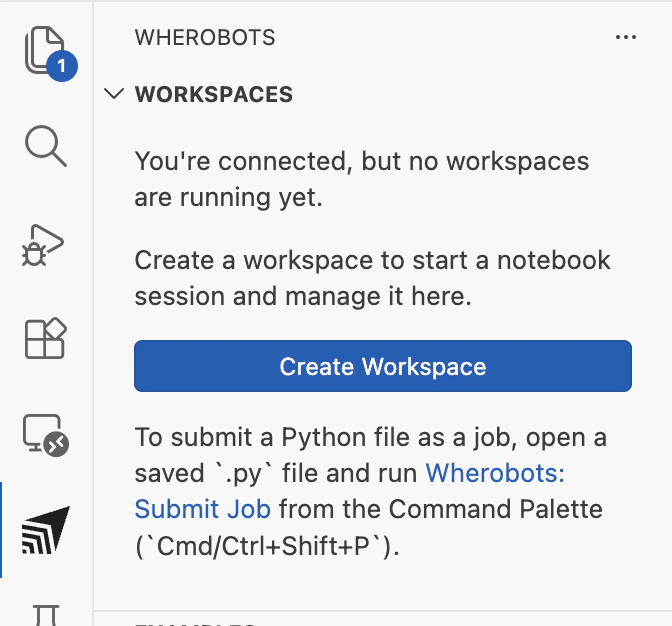
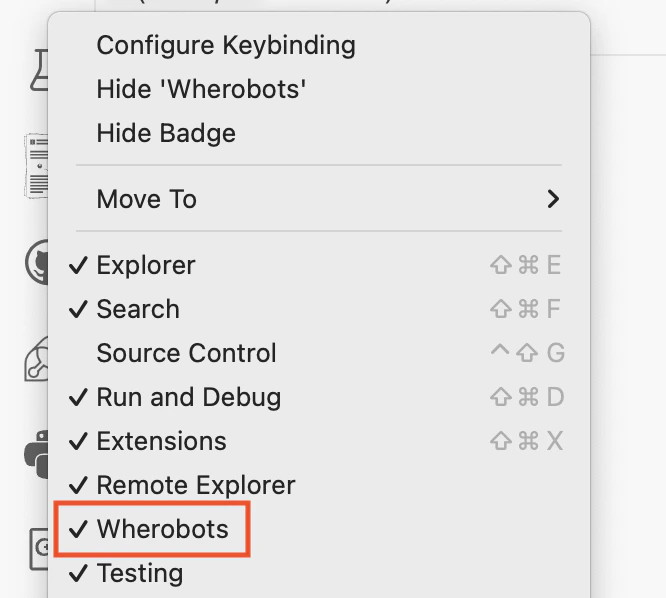
Install the Wherobots VS Code Extension in Visual Studio Code. The extension automatically configures the MCP Server and includes Agent Skills.
Public PreviewVisual Studio Code by Microsoft is a Code OSS-based editor. In VS Code, the Wherobots VS Code Extension automatically configures the MCP Server and includes Agent Skills, so no separate MCP or Skills setup is required.
Wherobots’ agentic tools connect your AI assistant to Wherobots Cloud and your local development environment so you can interact with your spatial data, catalogs, and jobs in a more intuitive way.
Explore your spatial catalog conversationally
The MCP Server connects your AI assistant to Wherobots Cloud so you can browse catalogs, databases, and table schemas (including Overture Maps and your own datasets) by asking questions in plain language instead of navigating the console.
Generate Spatial SQL without memorizing functions
Describe a geospatial task (e.g. “find buildings within 500m of this point”) and the MCP Server returns optimized Spatial SQL using WherobotsDB’s ST functions, spatial joins, and indexing patterns.
Submit and monitor Wherobots jobs from your editor
Use the CLI or the extension to submit Spark job runs, stream logs in real time, check resource metrics, and cancel jobs without leaving your editor or terminal.
Get Wherobots-aware AI assistance
Agent Skills teach your AI assistant Wherobots-specific APIs, query patterns, and workflow sequences so it produces correct wherobots CLI commands, valid MCP tool calls, and accurate notebook code on the first try.
After installation, connect to Wherobots Cloud by signing in from your browser (OAuth) or setting an API key.
These steps apply to VS Code, Cursor, Windsurf, Kiro, Positron, Antigravity, Trae, VS Codium, and other Code OSS editors. All use the same Command Palette and extension settings.
1
Open the Command Palette
To open the Command Palette, click the search bar at the top of your editor and type >wherobots:.
You can also press ⌘ + Shift + P on Mac, Ctrl + Shift + P on Windows/Linux to open the Command Palette.
2
Sign in to Wherobots
Click Wherobots: Sign In to start the OAuth flow. A browser window opens for you to sign in to Wherobots and select your Organization; when you’re done, return to your editor.To sign out at any time, run Wherobots: Sign Out from the Command Palette.
Prefer an API key? Click Wherobots: Set API Key and enter your existing or newly created Wherobots API key when prompted, then press Enter. If you don’t have a key yet, click Wherobots: Generate API Key on Wherobots Cloud to create one first.
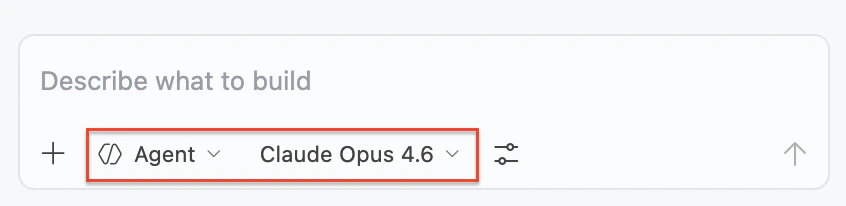
Select Agent as the chat mode from the dropdown at the top of the chat panel.
Select an advanced model (Claude Opus, Claude Sonnet, GPT Codex, or Gemini Pro) for best results.
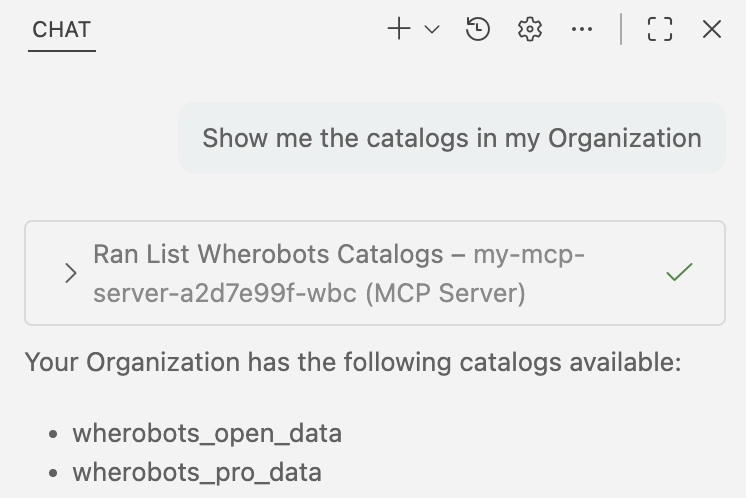
Ask a test question:
List the catalogs in my Wherobots Data Hub
If successful, the assistant will confirm it is using the Wherobots MCP server (showing Ran list_catalogs or a similar tool) and display your available tables.