

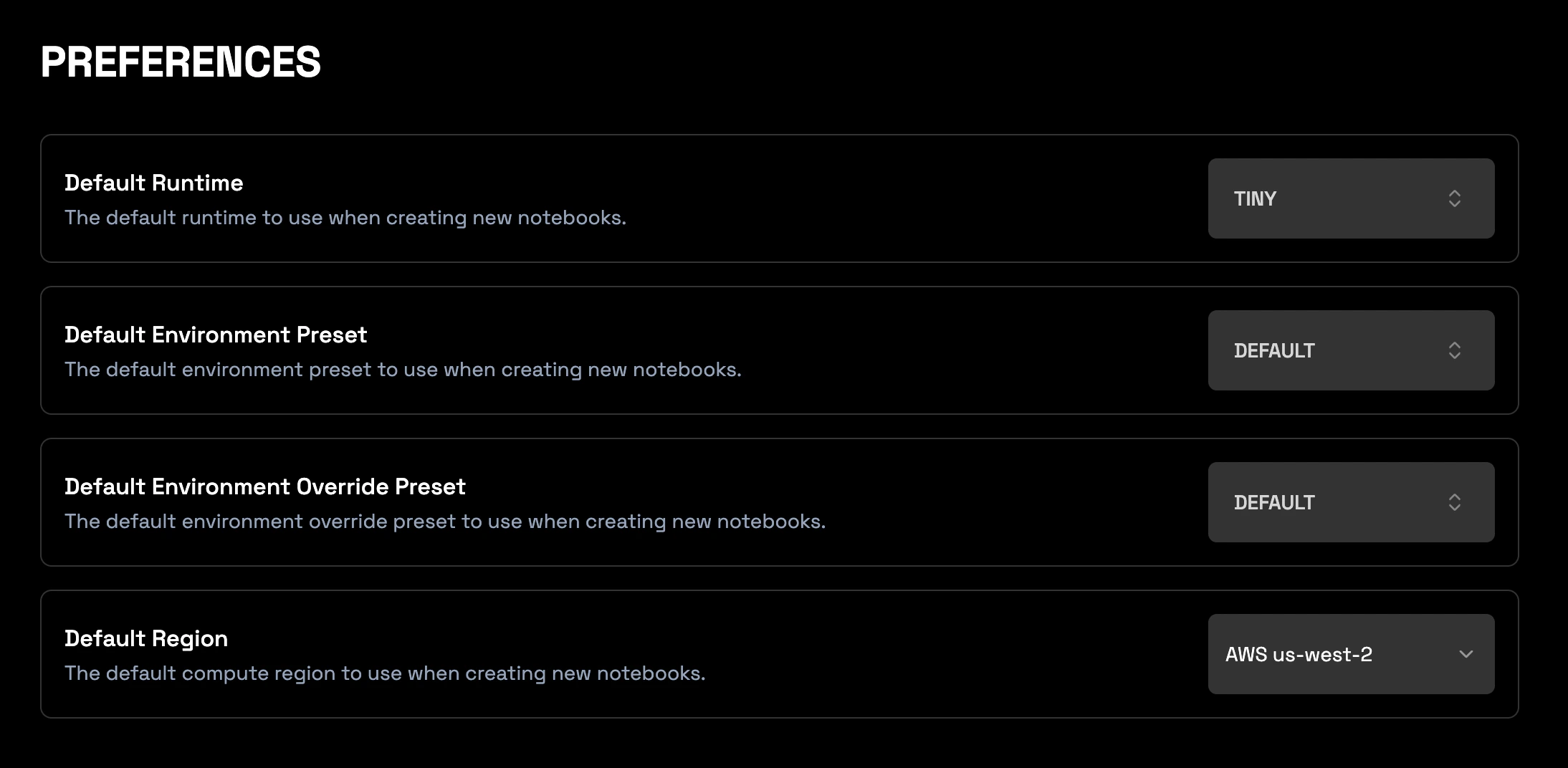
How it works
When you initiate the creation of a new notebook, the system will automatically populate the runtime, environment, and region settings based on the values you have saved in these preferences. You can typically still change these settings manually for any individual notebook during the creation process if needed.Benefits
The following are benefits related to setting defaults in the Preferences section of Wherobots Cloud.Time Savings
By setting defaults for Runtime, Environment Preset, and Region, members in your Organization can avoid repetitive configuration each time they create a new notebook. This streamlines the setup process, saving clicks and time, allowing members to get to their work faster.Cost Savings
- Setting a Default Runtime (e.g., to TINY or SMALL) helps prevent accidentally starting notebooks with unnecessarily large compute resources.
Lower Latency
Choosing a Default Region close to your primary data sources lowers latency when notebooks read data stored in that region. Wherobots doesn’t charge for cross-region data transfer between its cloud service and Amazon S3. See Cloud and Cloud Region Availability.EU Region Support
Admins can set eu-west-1 as their Organization’s default for their notebooks.Region Default only applies to NotebooksSetting a Region default in Organization Settings > Preferences only applies to notebooks, not Job Runs or SQL Sessions.
- Compliance: Meeting data sovereignty requirements like GDPR.
- Latency: Providing potentially lower latency for members or data located in Europe.
Default Runtime
Default Environment Preset
Default Environment Override Preset
Default Region
Region Default only applies to NotebooksSetting a Region default in Organization Settings > Preferences only applies to notebooks, not Job Runs or SQL Sessions.