

Quick Start
Once you have yourSedonaContext object created, you can create a DataFrame with the spider data source.
df_random_points DataFrame to verify the data is generated correctly.
id and geometry. The id column is the unique identifier of each record, and the geometry column is the randomly generated spatial data.
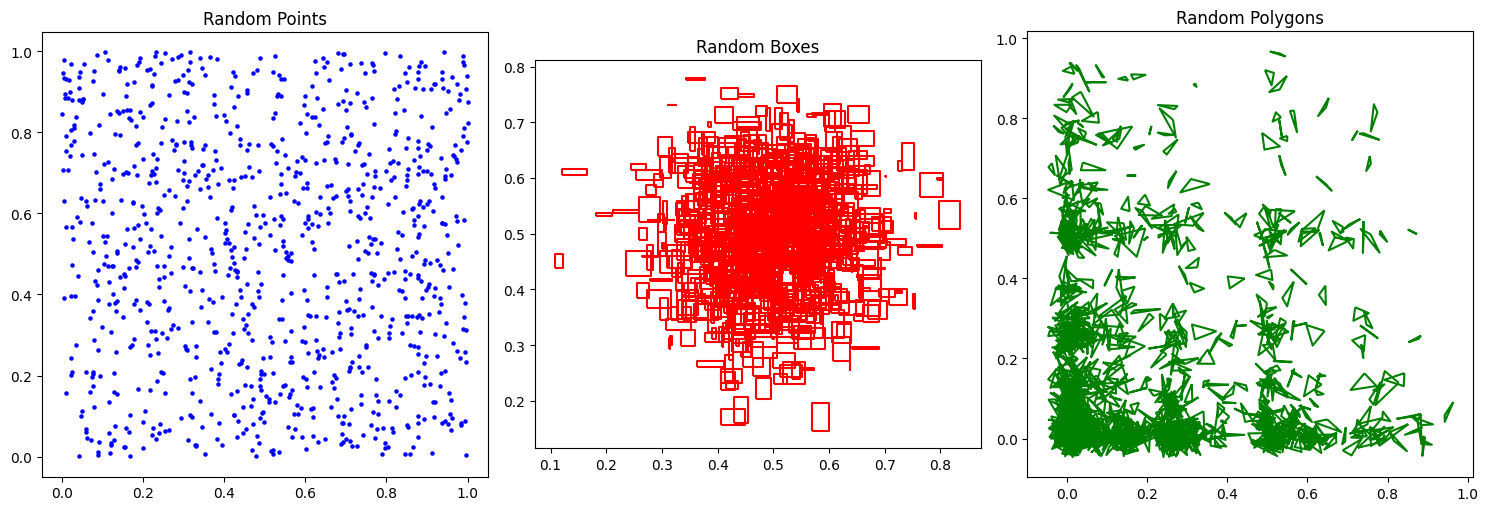
We can plot all 3 DataFrames using the following code.
Common Parameters
The following parameters are common to all distributions.Distributions
Spider supports generating random points, boxes and polygons under various distributions. You can explore the capabilities of Spider by visiting the SpiderWeb website. You can specify the distribution type using thedistribution parameter. The parameters for each distribution are listed below.
Uniform Distribution
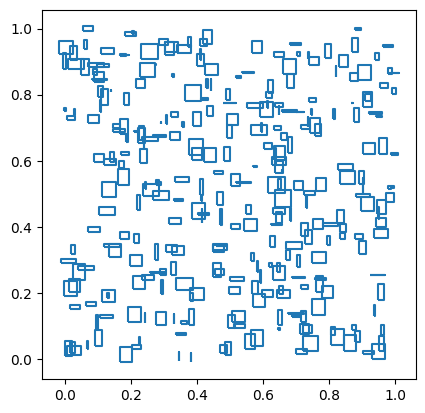
The uniform distribution generates random geometries in the unit square[0, 1] x [0, 1]. This distribution can be selected by setting the distribution parameter to uniform.
Example:
Gaussian Distribution
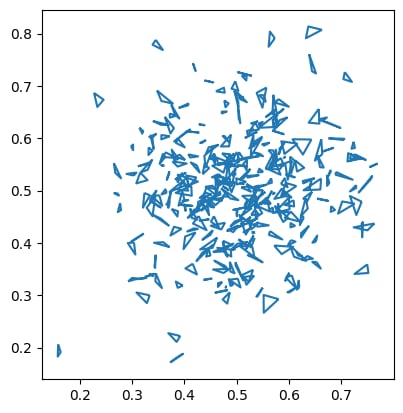
The Gaussian distribution generates random geometries in a Gaussian distribution with mean[0.5, 0.5] and standard deviation [0.1, 0.1]. This distribution can be selected by setting the distribution parameter to gaussian.
Example:
Bit Distribution
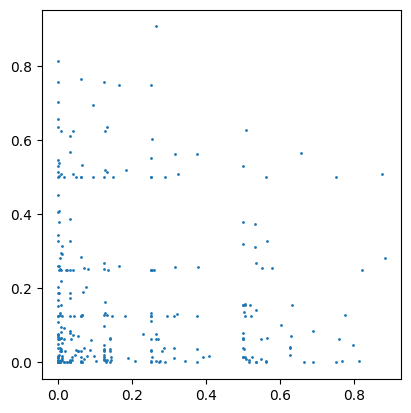
The bit distribution generates random geometries in a bit distribution. This distribution can be selected by setting thedistribution parameter to bit.
Example:
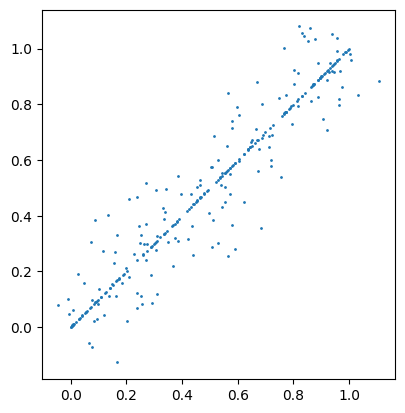
Diagonal Distribution
The diagonal distribution generates random geometries on the diagonal liney = x with some dispersion for geometries that are not exactly on the diagonal. This distribution can be selected by setting the distribution parameter to diagonal.
Example:
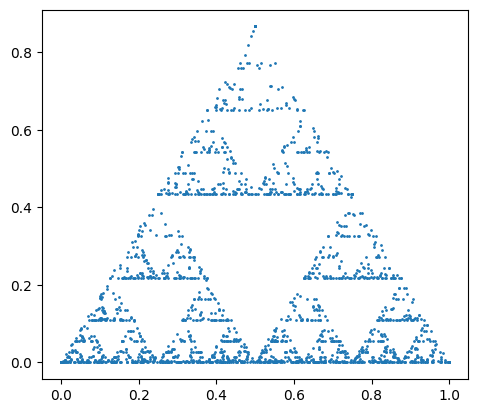
Sierpinski Distribution
The Sierpinski distribution generates random geometries distributed on a Sierpinski triangle. This distribution can be selected by setting thedistribution parameter to sierpinski.
Example:
Parcel Distribution
This generator produces boxes that resemble parcel areas. It works by recursively splitting the input domain (unit square) along the longest dimension and then randomly dithering each generated box to add some randomness. This generator can only generate boxes. This distribution can be selected by setting thedistribution parameter to parcel.
Example:
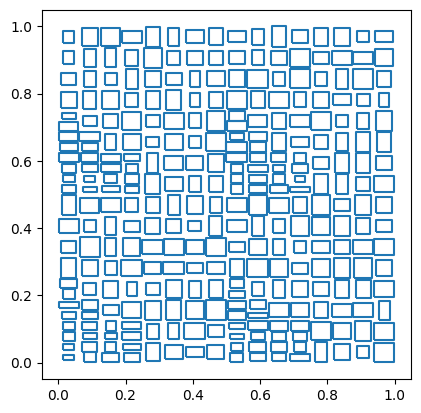
The number of partitions generated by the
parcel distribution is always power of 4. This is for guaranteeing the quality of the generated data. If the specified numPartitions is not a power of 4, it will be automatically adjusted to the nearest power of 4 smaller or equal to the specified value.Affine Transformation
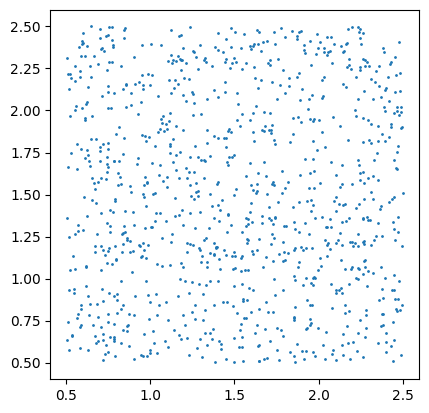
The random spatial data generated by Spider are mostly in the unit square[0, 1] x [0, 1]. If you need to generate random spatial data in a different region, you can specify affine transformation parameters to scale and translate the data to the target region.
The following code demonstrates how to generate random spatial data in a different region using affine transformation.
The affine transformation parameters are:
The affine transformation is applied to the generated data as follows:
[0.5, 2.5] x [0.5, 2.5].
References
- Puloma Katiyar, Tin Vu, Sara Migliorini, Alberto Belussi, Ahmed Eldawy. “SpiderWeb: A Spatial Data Generator on the Web”, ACM SIGSPATIAL 2020, Seattle, WA
- Beast Spatial Data Generator: https://bitbucket.org/bdlabucr/beast/src/master/doc/spatial-data-generator.md
- SpiderWeb: A Spatial Data Generator on the Web: https://spider.cs.ucr.edu/
- SpiderWeb YouTube Video: https://www.youtube.com/watch?v=h0xCG6Swdqw